

Anywhere the API says
workflow, think “agent”. Anywhere the API says workflow_definition, think “the conversation logic inside your agent”.The graph model
A workflow is a directed graph — a set of nodes connected by edges. Nodes are the steps in the conversation. Each node has a prompt that tells the LLM what to say and do at that point. Edges are the transitions between nodes. Each edge has a condition — a natural language description of when to move on. The LLM evaluates whether the condition has been met based on the conversation so far.Node types
Edges and transitions
An edge connects two nodes and fires when its condition is satisfied: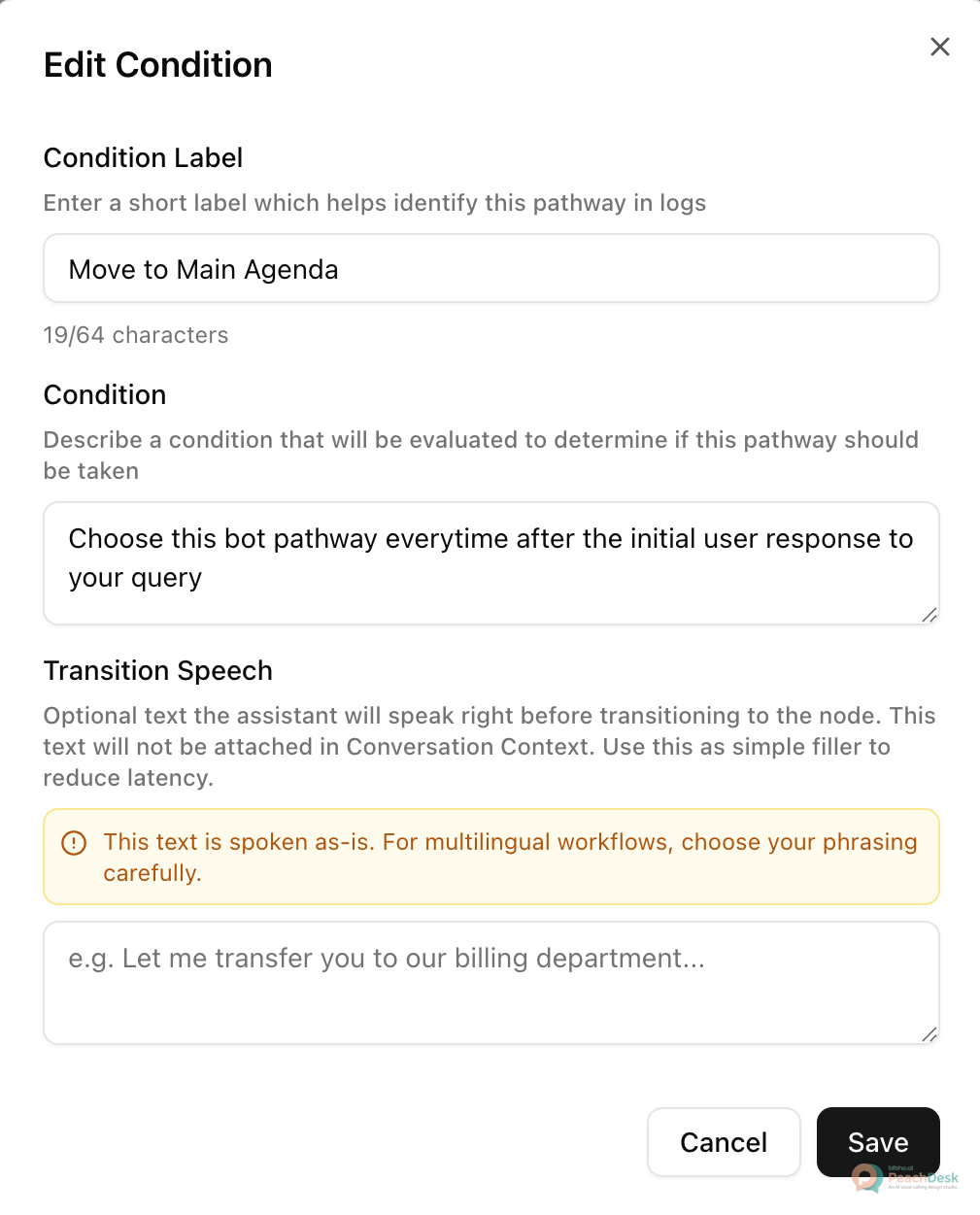
transition_speech is optional — if set, the agent speaks it before moving to the next node.
Versioning
Every time you update a workflow’sworkflow_definition, Peachdesk saves a new version while keeping the history. The current version is always what runs. Old versions are retained for auditing.
Creating workflows
There are two ways to create a workflow via the API:- From a definition — provide the full node/edge graph yourself. Best for programmatic generation.
- From a template — describe the use case in natural language and Peachdesk generates the initial graph using an LLM. Best for getting started quickly.